BlueCart Pay: All-in-One Payment, Wholesale Billing, and Invoicing Software for Distributors
Send invoices, collect payments, and run your entire accounts receivable operation from any device.
BlueCart Pay is the invoicing and payment solution built into BlueCart for wholesale distributors and foodservice suppliers. With BlueCart Pay, you can create and send customized invoices to buyer accounts, collect payments digitally at virtually zero transfer cost, track outstanding balances across your entire customer base, and reconcile supplier invoices without manual data entry.
BlueCart Pay works as a complete wholesale billing platform for distributors of any size. Whether you are processing a few dozen invoices a week or several hundred, the platform handles every step of the billing cycle: invoice creation, payment collection, returns management, and account reconciliation. Everything runs in one system, on desktop or mobile, with no paper involved at any stage.
Pay Any Invoice Issued by Any Vendor From Any Device
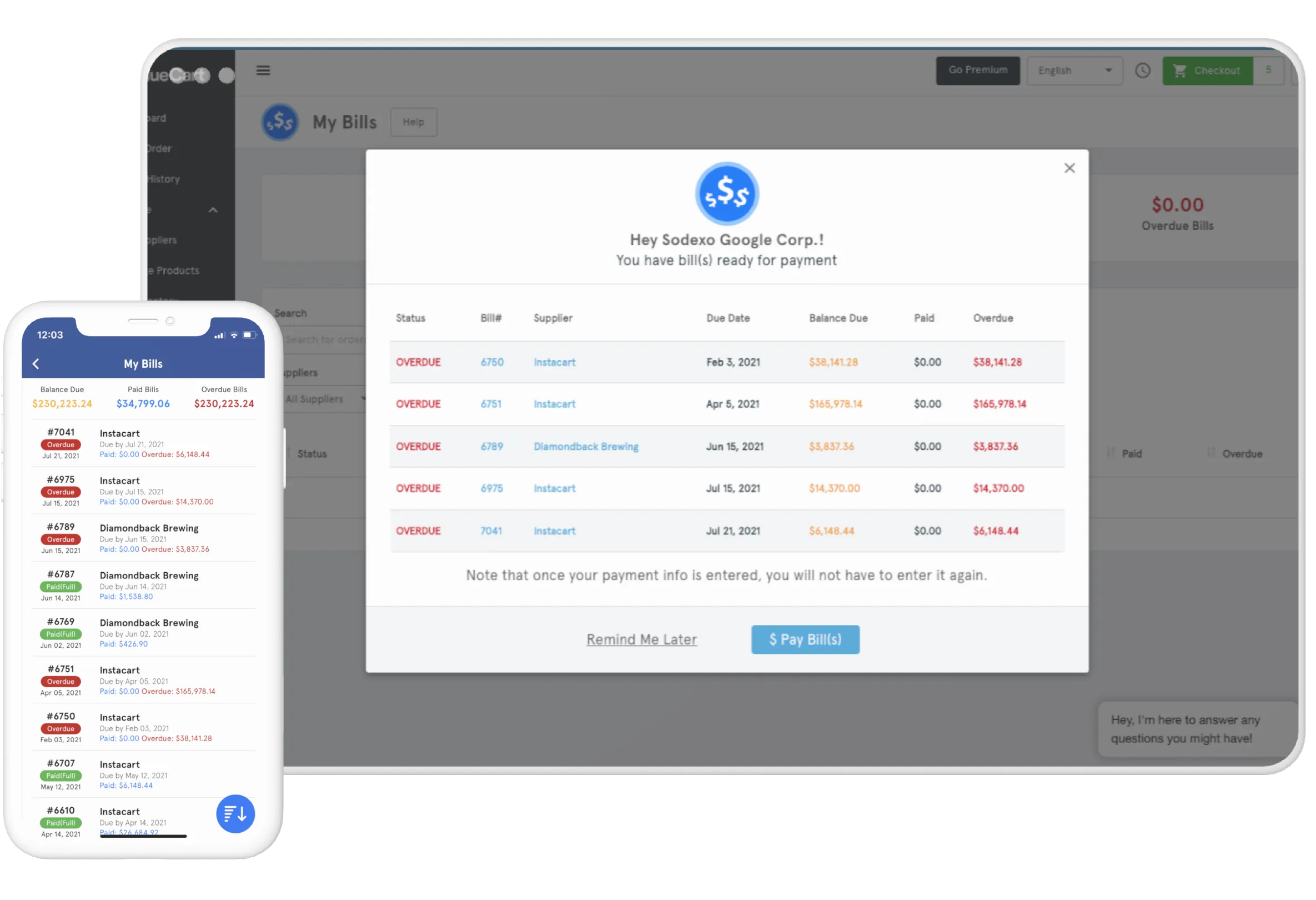
BlueCart Pay stores all invoice data with line-by-line detail including product names, quantities, unit costs, and order totals. Every invoice is searchable by supplier, buyer account, date, or amount. Your team can access the full history of every billing transaction from a laptop, tablet, or mobile phone at any time.
For wholesale distributors managing invoices across dozens of buyer accounts at once, BlueCart Pay brings both sides of your billing into one place: the invoices you send and the invoices you pay. Send invoices directly to buyer accounts from the platform, receive supplier invoices digitally, and remove paper from the process entirely. No manual data entry, no lost invoices, and no end-of-month reconciliation surprises. Orders and invoices sync with QuickBooks, Xero, NetSuite, and other accounting solutions, so your accounting records stay current without re-entering data. BlueCart Pay is the wholesale invoicing software that keeps your billing operation running without the administrative overhead.
Payments Secured via


Wholesale Invoice Creation and Processing
Invoicing is one of the most consequential parts of running a wholesale distribution business. A delayed or incorrect invoice delays payment and damages buyer confidence. BlueCart Pay makes invoice creation fast, accurate, and consistent across every account you manage.
Create fully customizable invoice templates with your logo, payment terms, invoice numbering, and order comments. BlueCart Pay automates all calculations, supports partial invoices for split deliveries, and allows you to create partial order invoices and take advantage of automatic invoice reconciliation. Whatever your current wholesale invoicing process looks like, BlueCart Pay can simplify it. Reduce errors, shorten payment cycles, and give every buyer a professional and consistent billing experience.
%20eBook%20Asset%205.webp)
Wholesale Payments Made Easy
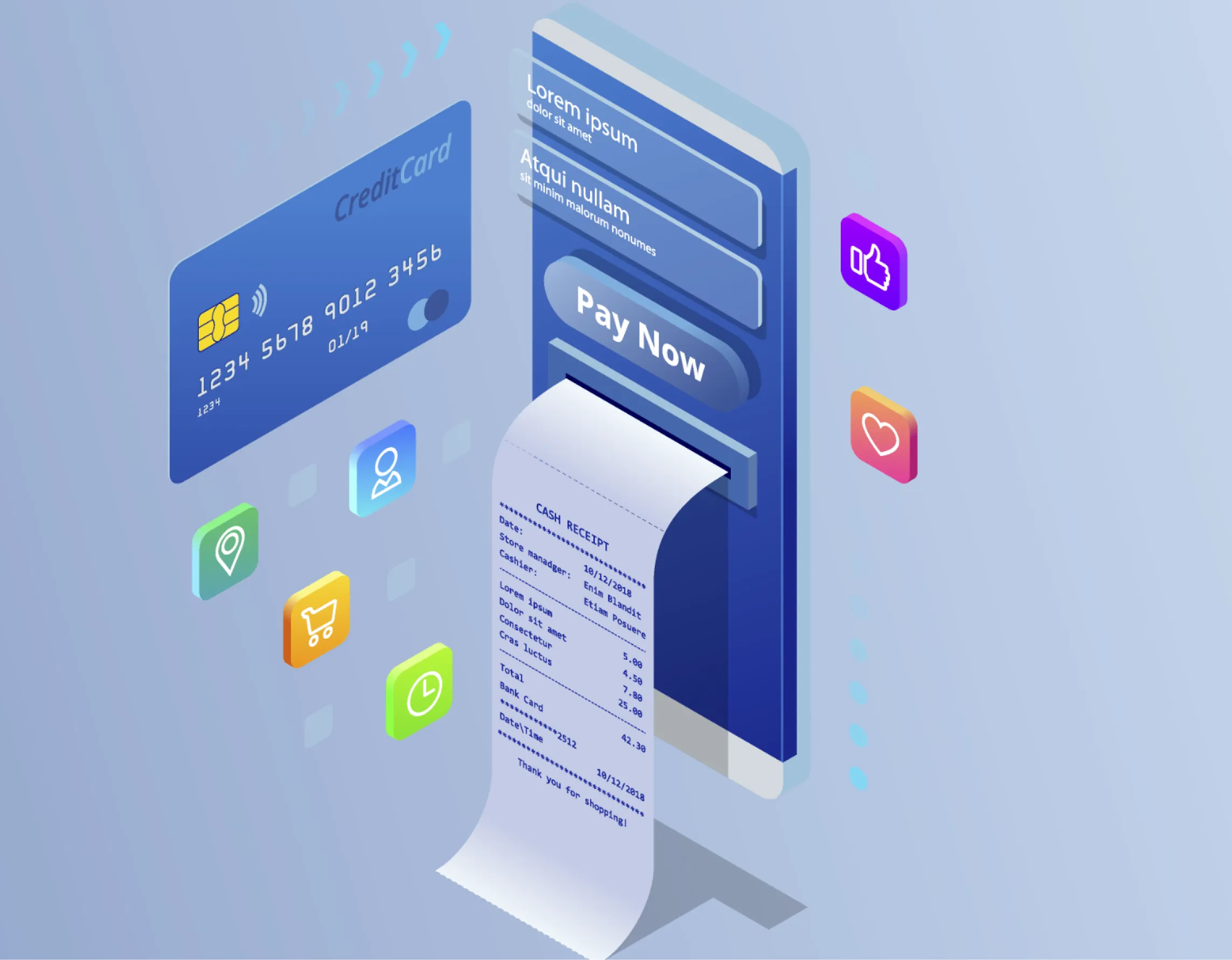
BlueCart Pay gives distributors a wholesale payment solution with support for multiple payment methods including credit cards, bank transfers, and ACH payments. Buyers can pay digitally from any device as soon as they receive their invoice. No phone calls, no mailed checks, and no waiting. You choose which payment methods each customer can use, set payment terms account by account, send automatic reminders before invoices come due, and can pass card processing fees on to the buyer.
BlueCart Pay sends paperless invoices directly to buyer accounts and provides real-time payment status updates so you always know which invoices are outstanding, which are in progress, and which have been settled. There are no termination fees or hidden charges. For businesses processing large volumes of B2B transactions, BlueCart Pay reduces the burden on your accounts team while improving cash flow across the operation. It is a wholesale billing platform built specifically for the way distribution businesses work.
Digitize Invoices and Pay All Your Wholesale Bills With BlueCart Pay
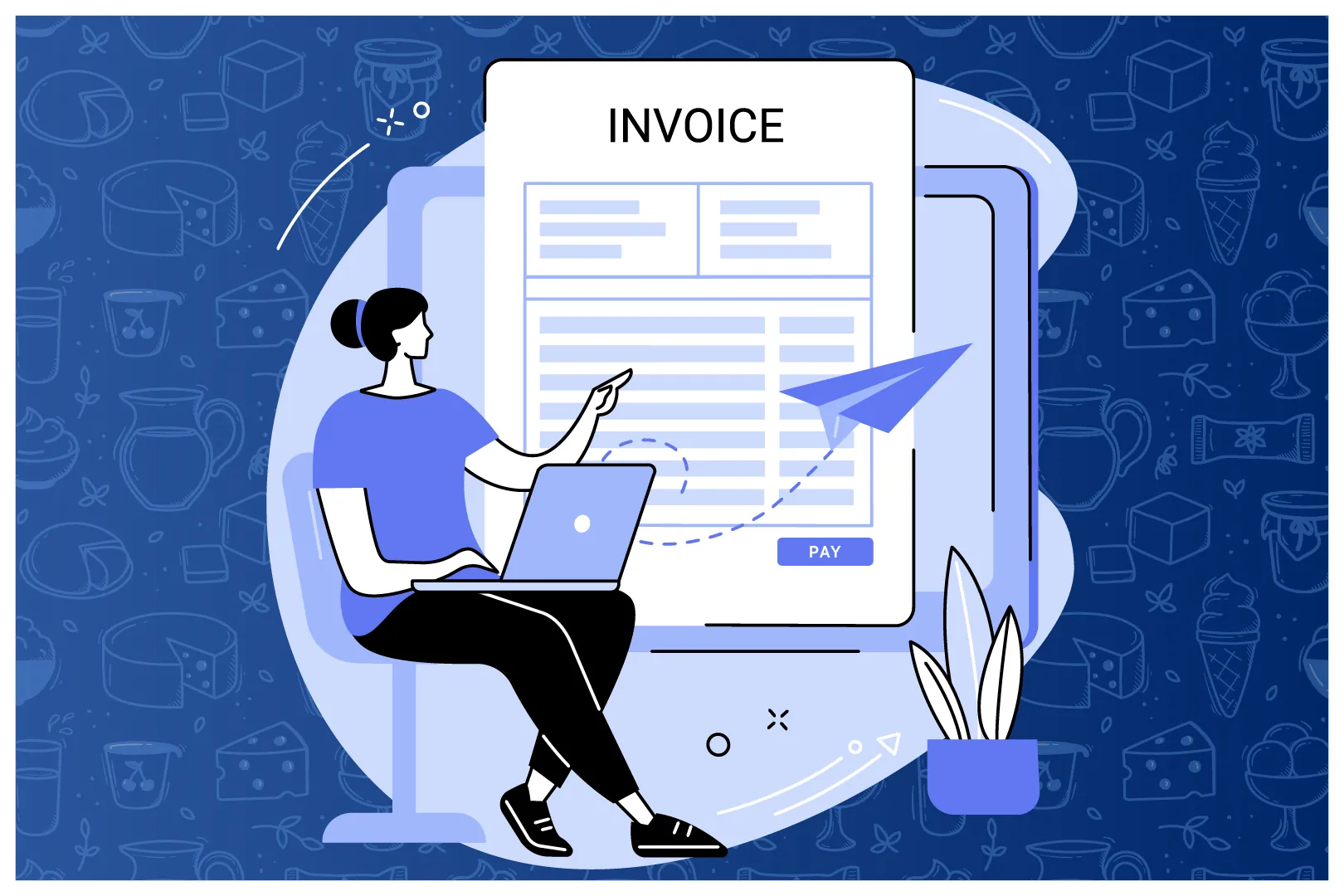
BlueCart Pay gives wholesale distributors and foodservice operators a complete digital invoicing system. Submit invoices via photo through the BlueCart mobile app, capture every line item automatically, and store the full invoice history in a searchable digital archive that your entire team can access at any time. No paper files, no email threads, no shared spreadsheets.
For businesses processing bulk payments across multiple buyer accounts, BlueCart Pay handles the entire payment workflow digitally. Capture line item data from every invoice, pay bills directly through the platform, and reconcile accounts without manual data entry. Every invoice is stored securely and is searchable by supplier name, amount, date, or product line. BlueCart Pay is the bulk payment software that gives your finance team a single source of truth for every billing transaction in the business.
Returns Management and Credit Processing
In wholesale distribution, returns and order disputes are inevitable. How quickly and accurately you process them has a direct impact on buyer satisfaction and your margin. BlueCart Pay makes it easy to initiate a return, issue a credit, and update the corresponding invoice within the same platform you use to manage the original order and billing.
Replace paper credit notes and email chains with a fully digital returns workflow. When a buyer reports a short delivery, a damaged product, or an incorrect item, your team can log the return, approve the credit, and issue an updated invoice in minutes rather than days. Buyers receive real-time updates throughout the process, and your billing records are updated automatically. BlueCart Pay keeps your accounts accurate without the manual adjustments that slow finance teams down.
Spend Less Time on Wholesale Invoices and Get Paid Faster
BlueCart Pay is your digital filing cabinet for every invoice in the business. Every invoice you send or receive is stored with its full transaction history including buyer account, order details, payment status, and any associated credits or disputes. Your finance team can reconcile accounts, respond to buyer queries, and close the books without hunting through email or paper records.
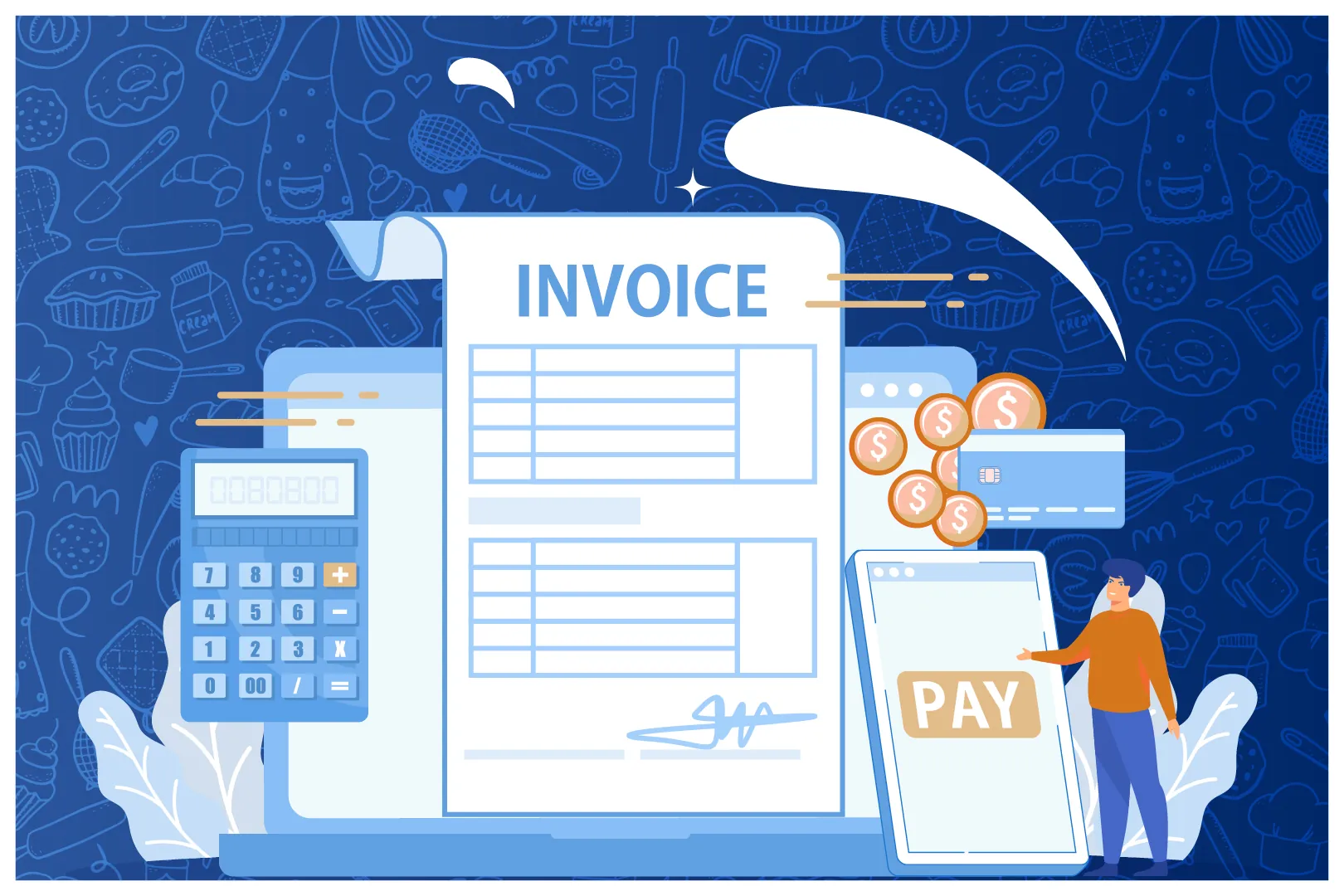
Reconcile invoices faster, control spend in real time, and never lose another receipt. BlueCart Pay supports partial payments so buyers can pay what they can when cash flow is tight, and your records reflect the outstanding balance automatically. For wholesale distributors and foodservice operators managing high invoice volumes, automating routine invoicing means your accounts team can focus on exceptions rather than repetitive processing. Your business gets paid faster as a result.
As seen on
.webp)
.webp)
.webp)


BlueCart Pay Is Part of a Complete Wholesale Platform
Distributors who use BlueCart, they also get access to a full B2B commerce platform that covers every other part of the business. From buyer order intake and inventory management through delivery routing and customer relationships, BlueCart connects the entire operation in one system